Touch Metal
|
| ||||||||





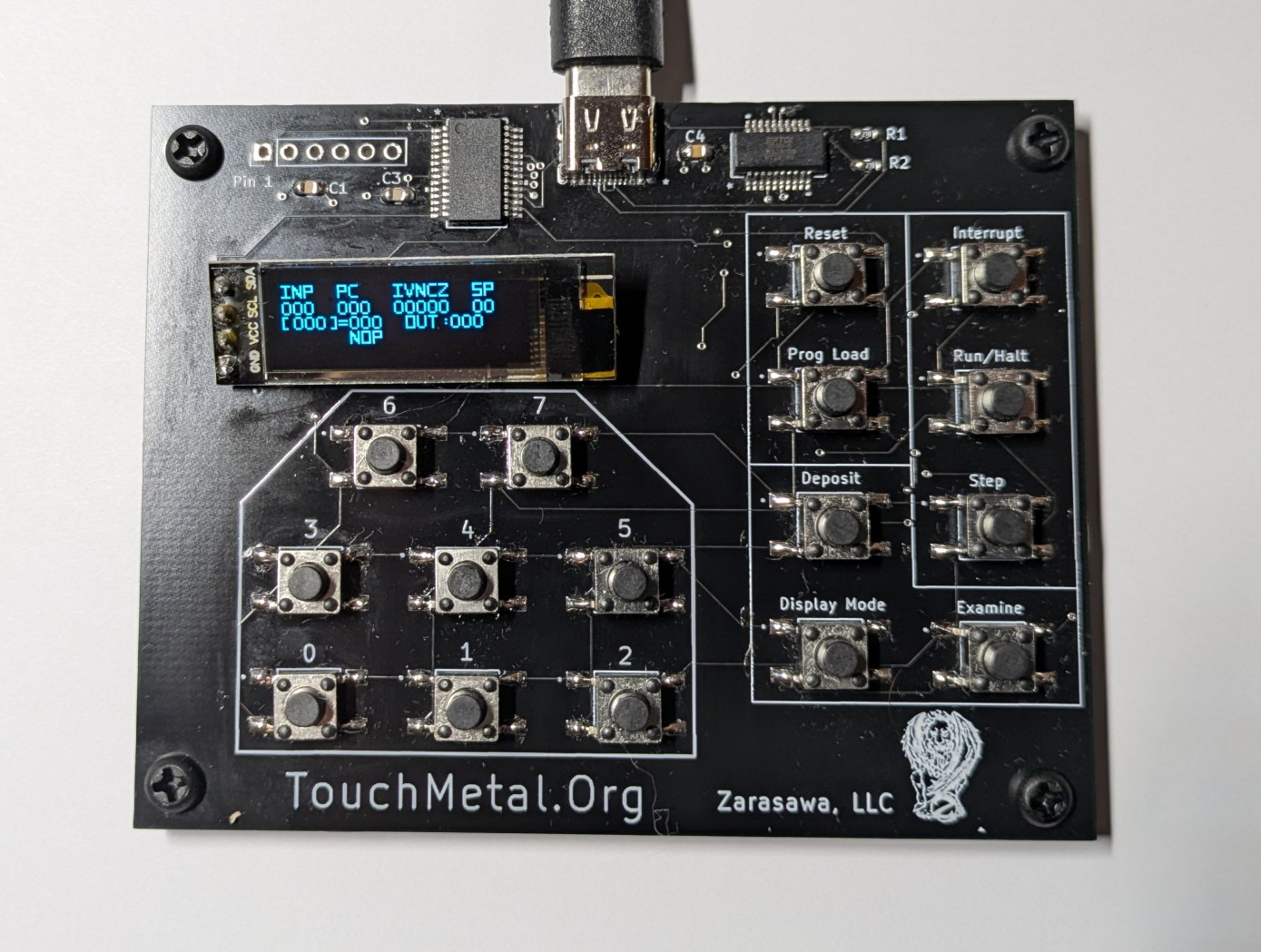
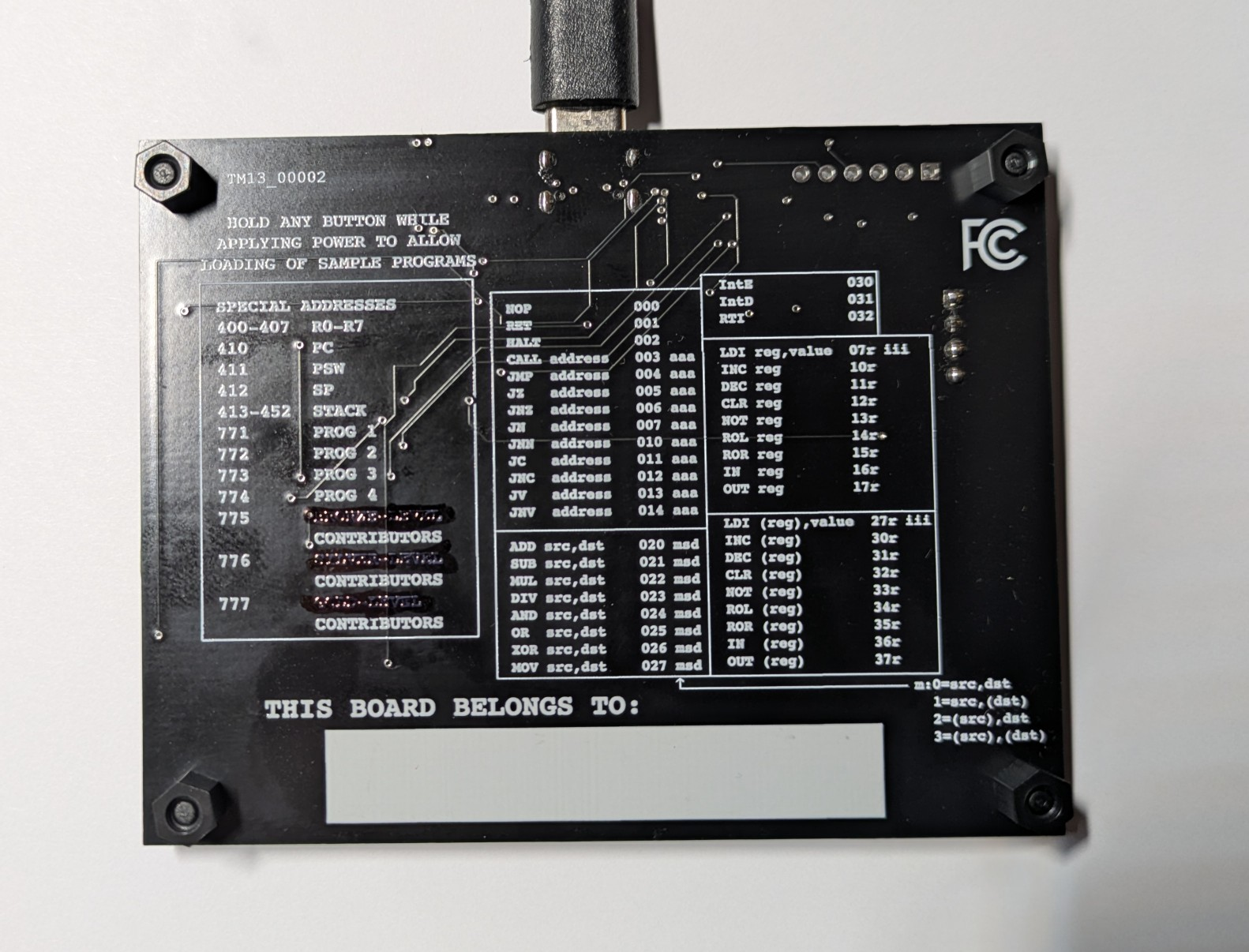
This is a picture of a Touch Metal board. Power is supplied through a USB-C connector at the top. The 4x21 LCD display gives information as you work with the board. The display can also be magnified (by using the "Display Mode" button), showing less information in a larger font. Inputs/commands are entered through the 16 pushbuttons. The 8 on the left let you enter octal (base 8) numbers. The buttons on the right let you examine and change memory, step the CPU, put the CPU in free-running mode, and so on.
The board measures 70mm x 90mm (2 3/4" x 3 1/2"). It's well-suited for exploration through just the pushbuttons and the display, especially for smaller projects. For larger projects, there's the option of loading memory using an external Linux-based tool (in conjunction with the "Prog Load" button).
Boards are available for purchase through Lectronz and Tindie.Touch Metal Instruction Manual
You can download an instruction manual for the Touch Metal board for free.
If you like, you can buy a printed copy from Amazon.
Touch Metal Book of Practice Problems
You can download a book of practice problems for the Touch Metal board.
This book goes over different aspects of computer architecture, assembly language and machine language, in particular as they relate to the Touch Metal processor. Topics include board mechanics, basic instructions, looping, conditionals, binary arithmetic, subroutines and functions, interrupts, indirect memory addressing, and even a bit about recursion and self-modifying code. Includes over 150 exercises to let you work with these concepts and deepen your understanding of how computers work.
Also available from Amazon.
Touch Metal Programmer's Reference Card
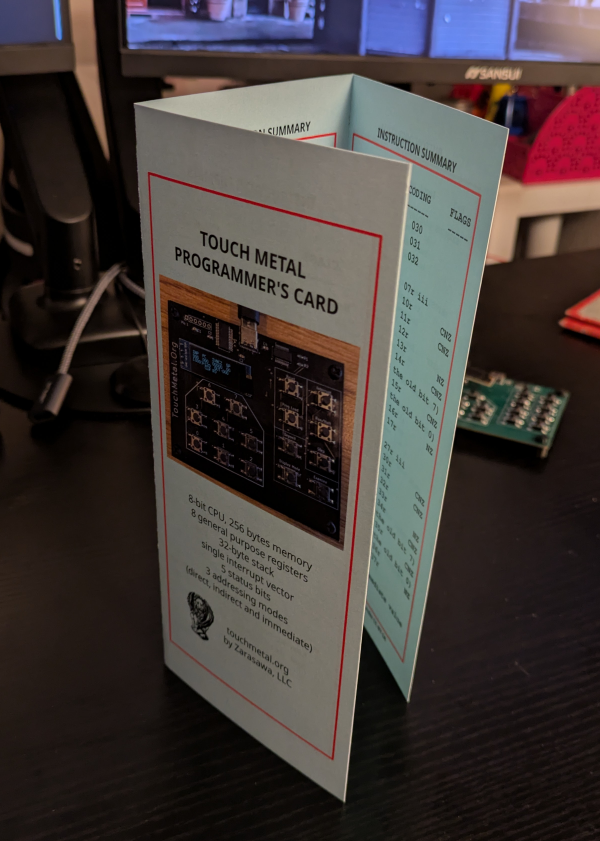
You can download your own tri-fold programmer's card for the Touch Metal board (these also ship with each board). If you download the pdf and print it in portrait mode as a standard 2-sided document, it should fold correctly.
Details of Pre-Loaded Sample Programs
Assember
It can be pretty fun and rewarding to develop an assembly language program by hand on paper; to convert it into machine code using a table of opcodes; to enter it into a system's memory through front-panel switches; and then to execute it and see it run! It's comforting to know that if you were stranded on a desert island (with a touch metal board, 5V USB power supply and pencil and paper) you could still program the board to generate prime numbers :)
Eventually though (once you know you can do it by hand), it can be nice to have tools for doing some of these tasks.
For translating assembly language to machine code, you can use an assembler to check the syntax, resolve labels, do the conversion, and generate the machine code.
Linux Binary Code Uploader
Using the assembler, you can see a listing of your assembled code, which you can then type into the board. The assembler also creates a display of the raw machine code (strings of octal numbers).
If you have a Linux system and are comfortable compiling C code (it only takes one command), you can download, compile and run a program that lets you upload this machine code directly to the Touch Metal board.
Board Emulator
Of course touching metal is ideal; that's really the whole point of all this. There's no substitute for manually interacting with a physical computer, feeling the click of the buttons, and so on. That's not always practical though (and I'm still working on the logistics of making physical boards available). To that end, there is a web-based emulator available. This exhibits the same basic behavior as the physical board, but is instead a pure-software system, available through this website.
Two differences from the physical board are:
- EEPROM storage (for saving programs in non-volatile memory) is not available; and
- loading built-in sample programs (which requires holding a button while applying power) is not available.
On the other hand, the Prog Load button is fully functional, and works well with the assembler's output.